Home Automation: Blending Convenience with Style
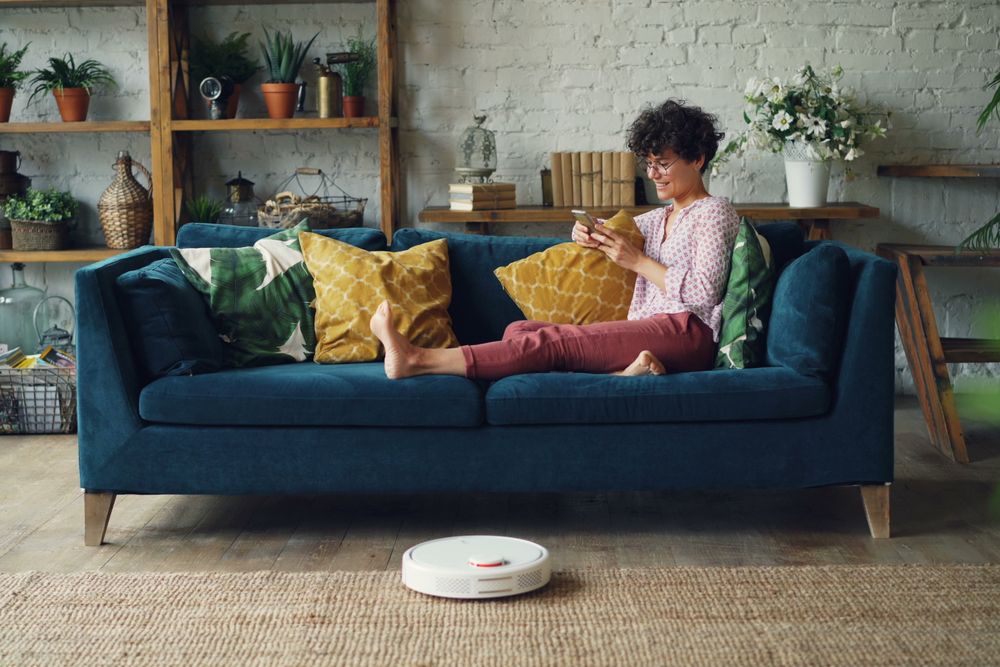
Home automation works best when it solves everyday problems without making a room feel like a technology showroom. A thoughtful setup can adjust the temperature before you arrive, let guests in without a spare key, and soften the lights at bedtime.
The key is to plan devices alongside the home's architecture and interior style. That way, controls stay intuitive, visible equipment fits the decor, and every automated feature has a clear purpose.
The Rise of Smart Living Spaces
Connected homes have moved beyond isolated gadgets. Lighting, climate controls, window coverings and entry systems can now work together through routines that respond to schedules, occupancy or environmental conditions. A "leaving home" routine, for example, might switch off selected lights, lower the thermostat and close motorized shades with one command.
Good smart home design begins with the household's habits. List the actions you repeat each day, then identify which ones would benefit from automation. Start with two or three routines to keep the system manageable and make it easier to see where technology genuinely saves time.
Integrating Tech into Building Design
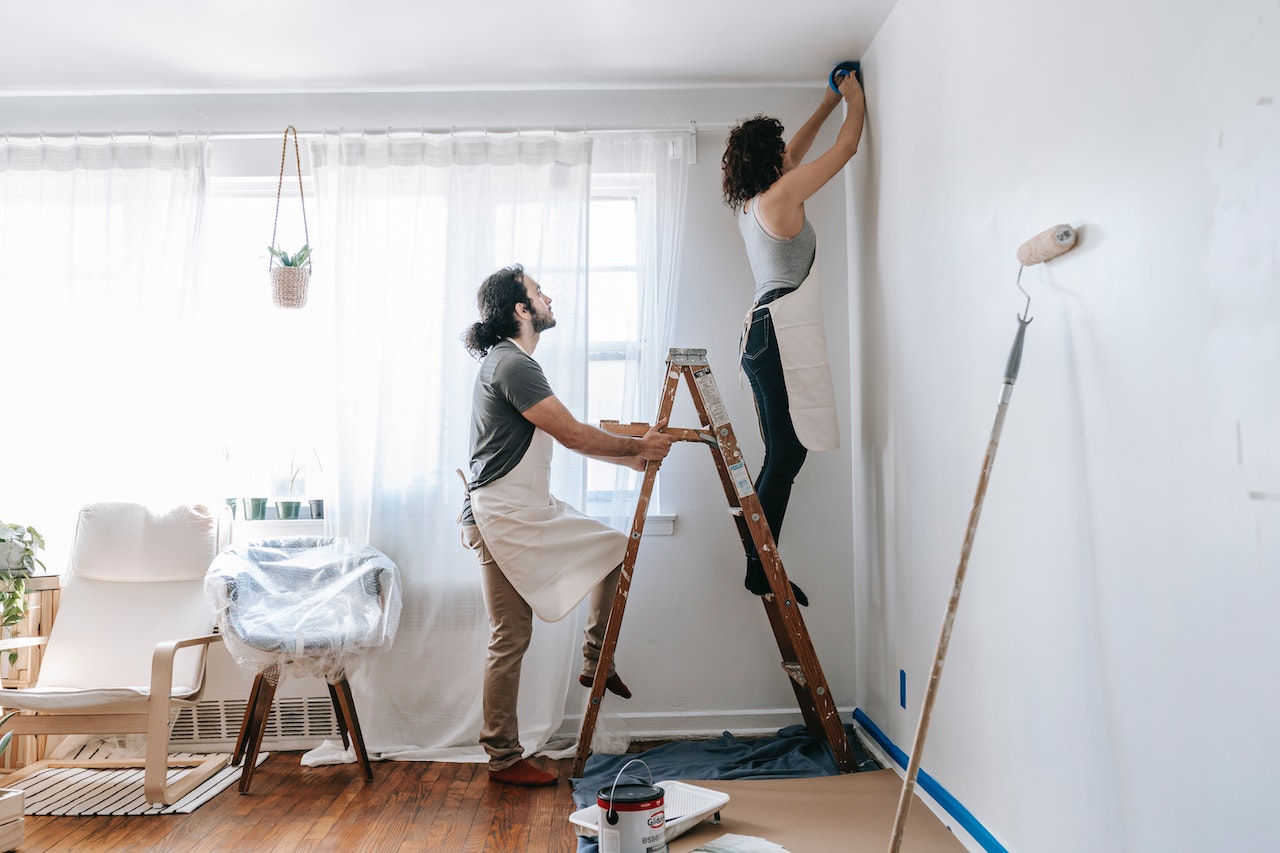
Plan wiring, power outlets and equipment locations as early as possible during a build or renovation. A central cabinet can house networking equipment while keeping flashing lights and cables out of living areas. Extra conduit also provides a path for future wiring without opening finished walls.
Interior details matter just as much. Guidance on technology and interior style shows how controls can complement finishes and furnishings. Choose wall switches that match nearby hardware, place touch panels at natural stopping points and conceal speakers where sound quality won't suffer. Ask your installer to label every cable and leave an updated system diagram for future repairs.
Automating Entry and Access Points
Entry automation should feel simple for residents while allowing controlled access for visitors and service providers. Video intercoms, keypad locks and app-based door controls can send alerts or create temporary access codes that expire at a set time. Keep a physical backup method available in case the network or power supply fails.
The garage deserves the same planning. Homeowners in Wollongong and the Illawarra region considering automated garage doors can discuss suitable openers, motors, and installation options with a local specialist. Before choosing equipment, confirm door compatibility, access to the manual release, and sensor placement. Test the reversal function regularly, and keep controls out of reach of young children.
Smart Climate and Lighting Control
Divide climate and lighting controls into practical zones. Bedrooms may need different evening temperatures from shared living spaces, while hallways usually require less light than kitchens or work areas. Occupancy sensors can reduce wasted energy in utility rooms, though manual switches should remain easy to reach.
Use scenes to make controls simpler. A dinner setting could dim pendant lights to 60 percent and lower nearby shades, while a night routine could turn off common-area lights and leave a low-level path to the bathroom. Pick warm white light for relaxed spaces and neutral white for task areas. Review automated schedules when seasons or household routines change.
Future-Proofing Your Residence
Choose products that support widely used standards and can still perform basic tasks without an internet connection. A light switch should control the light even if an app becomes unavailable. Local controls also help avoid frustration during service interruptions.
Build extra capacity into the home network, electrical panel and equipment cabinet. If you're planning home remodeling, consider future technology needs alongside your current layout to make room for additional wiring, smart controls and equipment. Keep a record of model numbers, login ownership, warranty dates and installer details in one secure place. Use software updates from the device maker, and disable unused remote-access features. When replacing a hub or controller, check compatibility with existing devices before buying.
A well-planned system should fade into the background once it's set up. If the wall controls are obvious, the entry points work during an outage and each routine matches a real household habit, the technology will feel like part of the building instead of an afterthought.